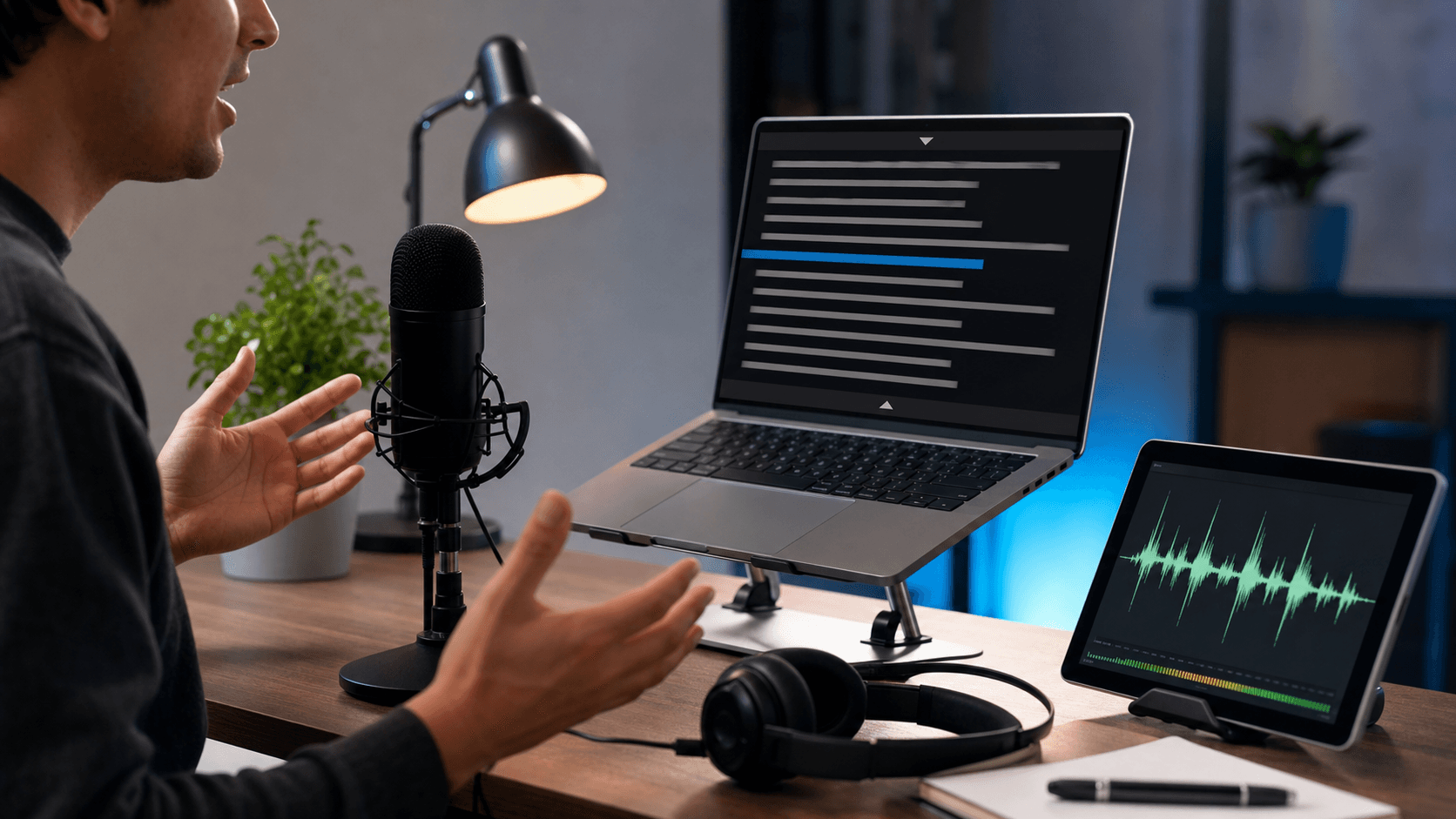
Teleprompter article
Voice Scroll Teleprompter Guide for Natural Speaking Pace
Voice scroll makes a teleprompter feel less rigid. Instead of forcing you to match one fixed speed, speech-assisted scrolling can help the prompt advance with your speaking rhythm. It is especially useful for creators, teachers, founders, and coaches who pause naturally while explaining ideas.
What voice scroll actually does
A standard teleprompter moves at a fixed speed. That works well for short, rehearsed scripts, but real speaking is not always fixed. You may pause for emphasis, repeat a line, slow down for a definition, or speed up during a simple transition.
Voice scroll is designed to reduce that mismatch. It listens for speech signals through the browser and nudges the prompt forward as you speak. The result is a more flexible reading experience, especially for conversational scripts.
Use it for scripts with natural pauses
Voice-assisted scrolling is useful when your delivery includes explanation, teaching, coaching, or storytelling. These formats often need pauses and changes in pace. A fixed-speed teleprompter can make the speaker feel trapped, while voice scroll gives the speaker more room.
For very short promotional scripts, fixed speed may still be faster and simpler. Choose voice scroll when the script benefits from a natural rhythm rather than perfect mechanical timing.
Prepare the script for speech recognition
Voice scroll works best with clean, simple script structure. Break paragraphs into short blocks and avoid large walls of text. If you plan to improvise between lines, leave clear section breaks so you can find your place again.
Use a quiet room and a clear microphone. Browser speech features depend on audio quality, and background noise can make pacing less reliable. If your environment is noisy, a fixed scroll speed may be more predictable.
Combine voice scroll with practice takes
The best way to tune voice scroll is to record a short test. Speak at your normal pace, pause where you would naturally pause, and see whether the prompt feels comfortable. If the text still moves too slowly or quickly, adjust your base speed and try again.
Once you find a comfortable setup, save that script style for future recordings. Voice scroll becomes more useful when your scripts are consistently formatted for speaking.
Quick checklist
Before you record
- Use voice scroll for conversational scripts.
- Record in a quiet room with a clear microphone.
- Break scripts into short sections.
- Keep fixed speed available as a backup.
- Test before recording the final take.
FAQ
Common questions
Does voice scroll work in every browser?
Browser speech support varies. If voice scroll is unavailable or inconsistent on a device, use fixed-speed scrolling and adjust the speed manually.
Is voice scroll better than fixed speed?
It depends on the script. Voice scroll is better for natural, variable delivery. Fixed speed is often better for short, rehearsed scripts where timing is predictable.
Related reading