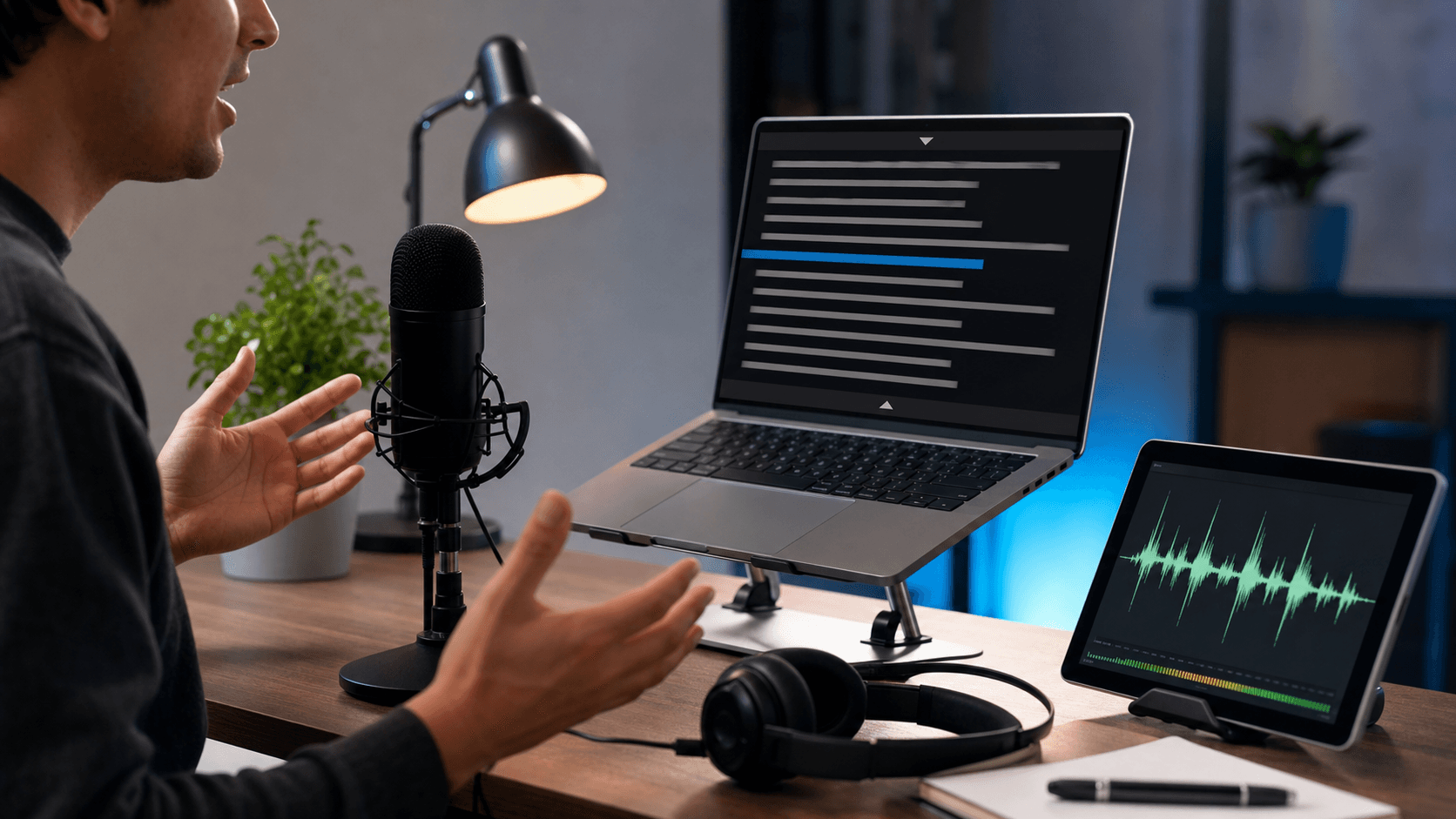
Teleprompter article
Browser Teleprompter vs Teleprompter App: Which Should You Use?
A browser teleprompter and a dedicated app can both work well. The better choice depends on how often you record, whether you need installation-free access, how you save scripts, and what device you use on recording day.
Use a browser teleprompter for quick access
A browser teleprompter is useful when you want to paste a script and start quickly without installing software. It also works well across shared computers or temporary recording setups.
Because it runs on the web, you can access setup guides, privacy pages, and the tool from the same place.
Use a dedicated app for specialized workflows
Dedicated apps may be useful for advanced studio rigs, offline-first production, or hardware integrations. They can also offer platform-specific controls that browsers do not expose.
The tradeoff is setup time. For many creators, teachers, and small teams, the browser workflow is enough for everyday recording.
Choose based on the recording environment
If you record on different devices, a web teleprompter keeps the workflow portable. If you record in a fixed studio with the same rig every day, a dedicated app may be worth testing.
The important part is not the category. It is whether the tool makes your script readable, your eye-line natural, and your recording process repeatable.
Quick checklist
Before you record
- Choose browser access for quick setup.
- Choose dedicated software for specialized rigs.
- Test saved scripts and privacy behavior.
- Pick the tool that improves delivery, not just features.
FAQ
Common questions
Is a browser teleprompter enough for YouTube videos?
Yes for many creators. A browser teleprompter can handle scripts, scrolling, mirror mode, practice, and recording workflows without installation.
Is a web teleprompter private?
It depends on the service and settings. FreeTeleprompter.in explains local drafts, saved scripts, permissions, analytics, and advertising on its privacy page.
Related reading