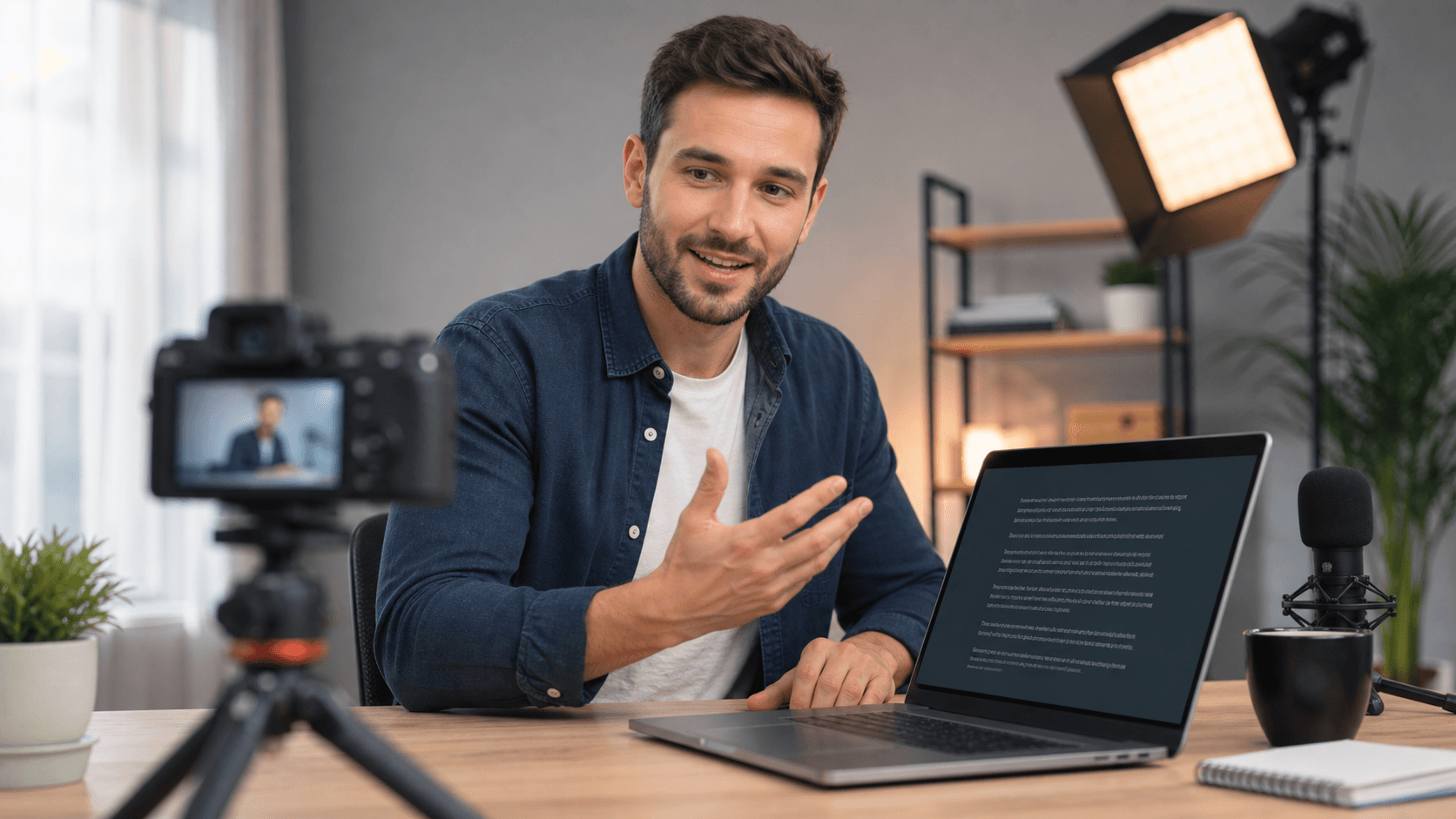
Teleprompter article
DIY Teleprompter Guide: Build a Simple Setup at Home
Build an affordable DIY teleprompter setup with a phone or laptop, reflective glass, and simple camera positioning for home video recording.
Start with a script designed for speaking
A teleprompter works best with short speaking blocks rather than dense paragraphs. Write one idea per block, add headings for major transitions, and leave space where you naturally breathe or pause.
Read the draft aloud before recording. Rewrite sentences that feel formal, complicated, or unlike the way you normally explain the idea to another person.
For DIY Teleprompter Guide: Build a Simple Setup at Home, keep the opening promise specific and useful. A viewer should understand the topic quickly, while the rest of the script should give them a reason to continue watching.
Tune the setup with a short test
Place the prompt as close to the camera lens as possible, choose a font size you can read without squinting, and begin with a slower scroll speed than your silent reading pace.
Record a short test and change one setting at a time. Review eye-line, audio, pacing, and the first sentence before recording the full take.
Check the first three seconds especially carefully. Remove long greetings, place the main idea close to the start, and use a readable prompt position so your delivery feels direct rather than distracted.
Keep the delivery useful and natural
Use the prompt as a support system, not a reason to read every word mechanically. Look at the lens between short lines, emphasize important phrases, and allow the audience time to follow your point.
If you lose your place, pause and continue from the next heading. A calm recovery is less distracting than speeding up to catch the text.
After publishing, compare the promise of the script with the moments where viewers leave. Use that evidence to shorten slow sections, strengthen transitions, and make the next recording more useful instead of relying on guesswork.
Quick checklist
Before you record
- Break the script into short speaking blocks.
- Put the prompt close to the camera.
- Start with a slower scroll speed.
- Record a short test before the final take.
- Review the opening, eye-line, and audio.
FAQ
Common questions
Can I use a browser teleprompter without installing an app?
Yes. FreeTeleprompter.in works in a modern browser and supports script editing, scrolling, mirror mode, optional voice scroll, and recording workflows.
Do I need camera permission to read a script?
No. Camera access is optional. You can write, rehearse, and read the prompt without enabling the camera.
Related reading