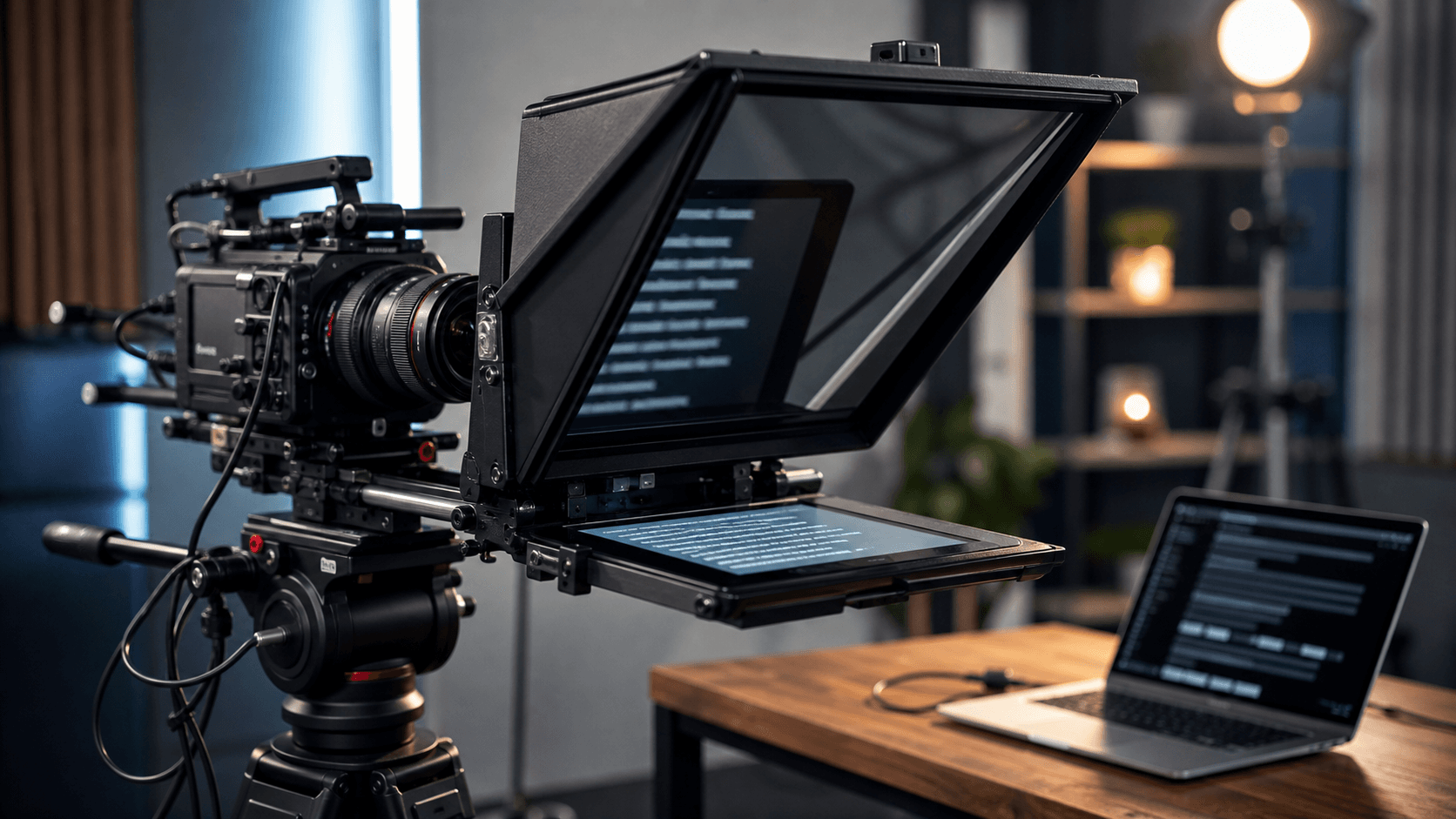
Teleprompter article
Mirror Mode Teleprompter Setup: When and How to Use It
Mirror mode is simple once you know what problem it solves. It flips the script horizontally so a physical teleprompter glass rig can reflect the text correctly to the speaker. If you are reading directly from a laptop or phone, you usually do not need mirror mode. If you are using angled glass in front of a camera lens, you probably do.
Understand text mirror vs camera mirror
Text mirror and camera mirror are different settings. Text mirror flips the script itself for teleprompter glass. Camera mirror changes how the live camera preview looks to you. Turning on the wrong one can make setup confusing, so test each setting separately.
If the script appears backwards when reflected on the glass, turn on text mirror. If your live preview feels reversed like a selfie camera, adjust camera mirror. These settings solve different visual problems.
Use mirror mode only when the physical setup needs it
Many users turn on mirror mode because it sounds professional, then wonder why the text becomes hard to read. If you are reading straight from a screen, normal text is correct. Mirror mode is for reflection-based rigs where the screen points upward or downward into angled glass.
A quick test solves the confusion. Put one short line on the teleprompter, place the device in the rig, and look through the glass from the speaking position. If the reflected line reads normally, the setting is correct.
Check brightness and angle
Mirror mode is not the only variable. Screen brightness, glass angle, room lighting, and camera position all affect readability. If the reflected script is dim, raise the screen brightness or reduce light hitting the glass from the front.
The camera should see through the glass while the speaker sees the reflection. If the lens is not centered behind the glass, eye-line can look slightly off. Center the camera before adjusting the software settings.
Practice with the final rig
Teleprompter glass rigs change reading distance and visible text size. A script that feels comfortable on a laptop may be too small in the rig. Increase font size, slow the scroll, and rehearse with the same camera, lens, and distance you plan to use for the final recording.
For longer recordings, keep sections short. Mirror mode makes the script readable through glass, but good formatting still matters. Short blocks are easier to track and easier to restart after a mistake.
Quick checklist
Before you record
- Use text mirror only for reflected glass setups.
- Adjust camera mirror separately from script mirror.
- Test one short line before recording.
- Center the camera behind the glass.
- Increase font size for longer reading distance.
FAQ
Common questions
Why does mirror mode make text backwards on my laptop?
That is expected if you are reading directly from the screen. Mirror mode is meant for reflected glass setups, not normal laptop reading.
Do I need special hardware for mirror mode?
You only need mirror mode when using teleprompter glass or a reflection-based rig. For direct screen reading, use normal text.
Related reading