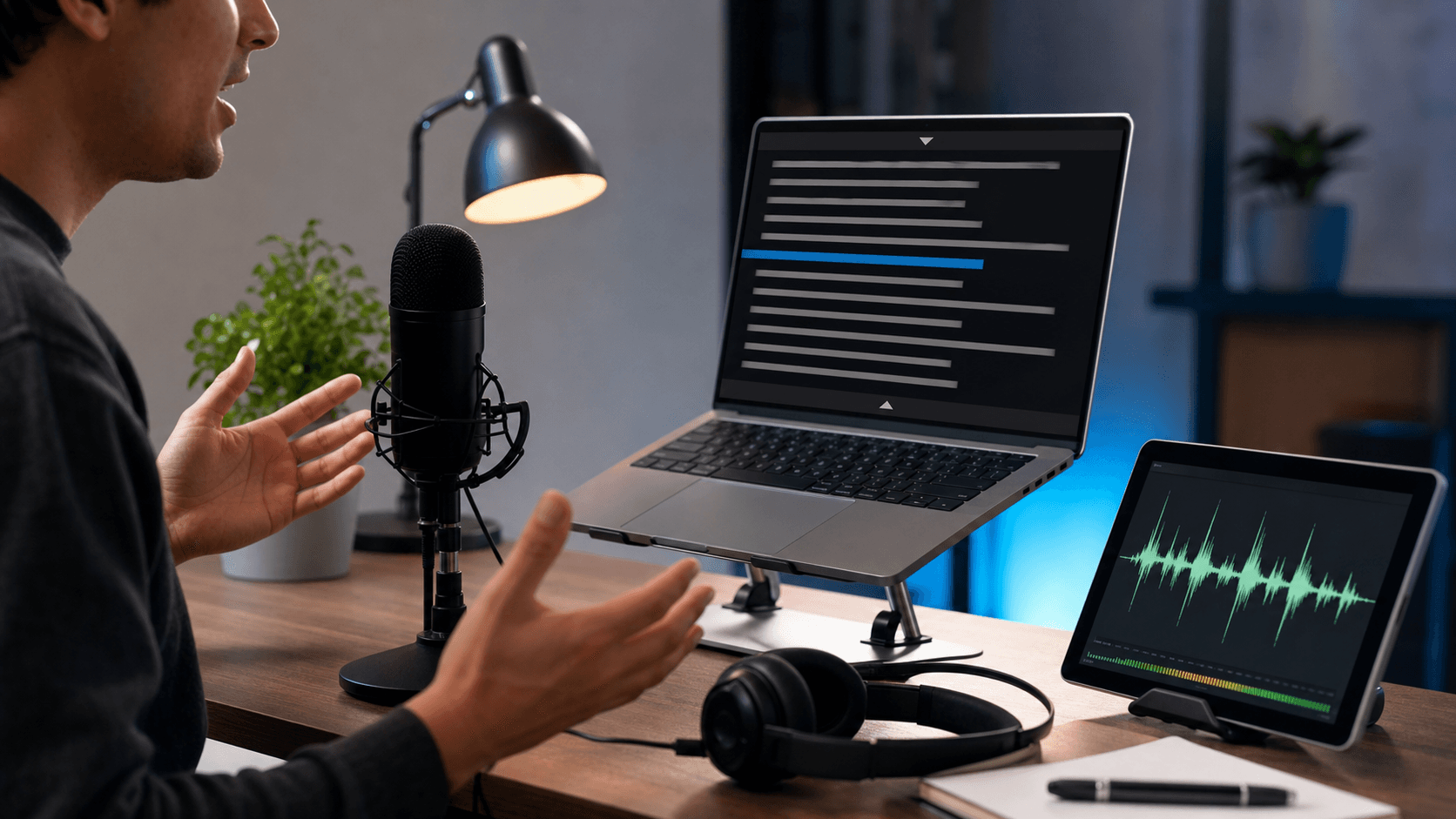
Teleprompter article
Video Podcast Teleprompter Tips for Intros, Ads, and Guest Segments
A video podcast should feel conversational, but some parts still benefit from exact wording. A teleprompter is useful for episode intros, sponsor reads, guest biographies, disclaimers, and closing calls to action.
Use the prompt for fixed segments
Script the parts that repeat across episodes: show intro, guest intro, sponsor line, topic setup, and outro. These sections are easier to deliver cleanly when the wording is visible.
For the main conversation, switch to bullet prompts or section headings. Reading full paragraphs during an interview can make the host look distracted.
Separate sponsor reads from conversation
Sponsor reads often need accuracy. Put the exact copy in a dedicated block, slow the scroll slightly, and practice once before recording the episode.
After the read, add a short transition line back into the conversation. This prevents the episode from feeling like it stops and restarts abruptly.
Keep guest notes easy to scan
Guest notes should not be long biographies. Use a few key points: name pronunciation, role, main achievement, and why they are relevant to the episode.
If the podcast is recorded on video, keep the notes near the camera so your eye movement remains subtle.
Quick checklist
Before you record
- Script repeatable podcast segments.
- Use bullets for live conversation.
- Slow down sponsor reads.
- Keep guest notes short and camera-friendly.
FAQ
Common questions
Is a teleprompter useful for interview podcasts?
Yes, mainly for intros, ads, transitions, and outro lines. The interview itself usually works better with short notes.
How do I avoid looking like I am reading?
Keep the prompt close to the lens, use larger text, slow the scroll, and write in your natural speaking voice.
Related reading