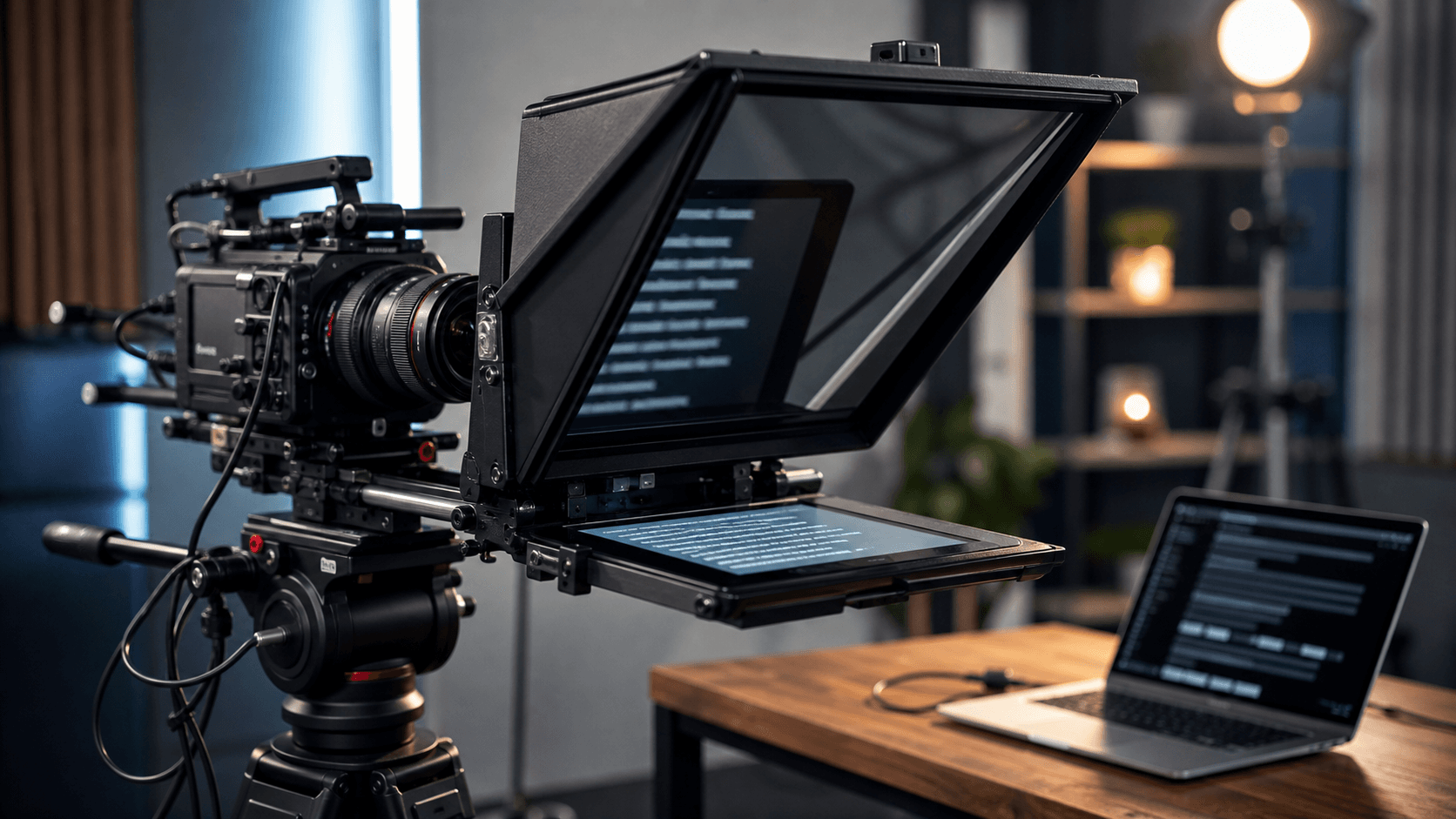
Teleprompter article
How to Keep Eye Contact While Reading from a Teleprompter
Viewers forgive small pauses, but they quickly notice wandering eyes. Good teleprompter eye contact comes from physical setup and script formatting, not from trying harder once the recording has started.
Move the script closer to the lens
The farther the script is from the camera lens, the more obvious your eye movement becomes. Place the prompt as close to the lens as possible and keep the screen near eye level.
If you use a laptop camera, raise the laptop so you are not looking down. If you use a separate camera, align the prompt with the camera height.
Use readable line lengths
Very wide lines make your eyes travel from side to side. Narrower text columns and larger fonts reduce visible scanning. This is especially important for close-up talking-head videos.
Break long sentences into shorter lines. The script should look like spoken language, not a document page.
Practice looking through the words
Instead of staring at every word, glance slightly through the prompt toward the lens. This takes practice, but it makes the delivery feel more direct.
Record a short test and watch only your eyes. If movement is obvious, adjust placement or font size before changing the script.
Quick checklist
Before you record
- Keep the prompt close to the lens.
- Raise the camera to eye level.
- Use larger text and shorter lines.
- Review eye movement in a test recording.
FAQ
Common questions
Why do my eyes move so much on a teleprompter?
The script may be too far from the lens, too wide, or too small. Adjust placement and formatting before recording again.
Does mirror mode improve eye contact?
Mirror mode only flips text for compatible glass rigs. Eye contact improves when the reflected script is aligned with the camera lens.
Related reading
Explore related teleprompter guides
Suggested next reads